HDMI Repair
PS5 Pro Black Screen at 4K or 120 Hz: Cable or HDMI Repair?
A home screen that works while games go black does not automatically mean a broken port. These details help separate setup issues from hardware faults.
Published
The short answer
A PS5 Pro that displays its menu but loses picture in a higher-bandwidth game mode may have a cable, display compatibility, settings or console hardware issue. Test directly to a compatible display with a known-good cable. A brief mode-switch blank is different from repeated or persistent signal loss.
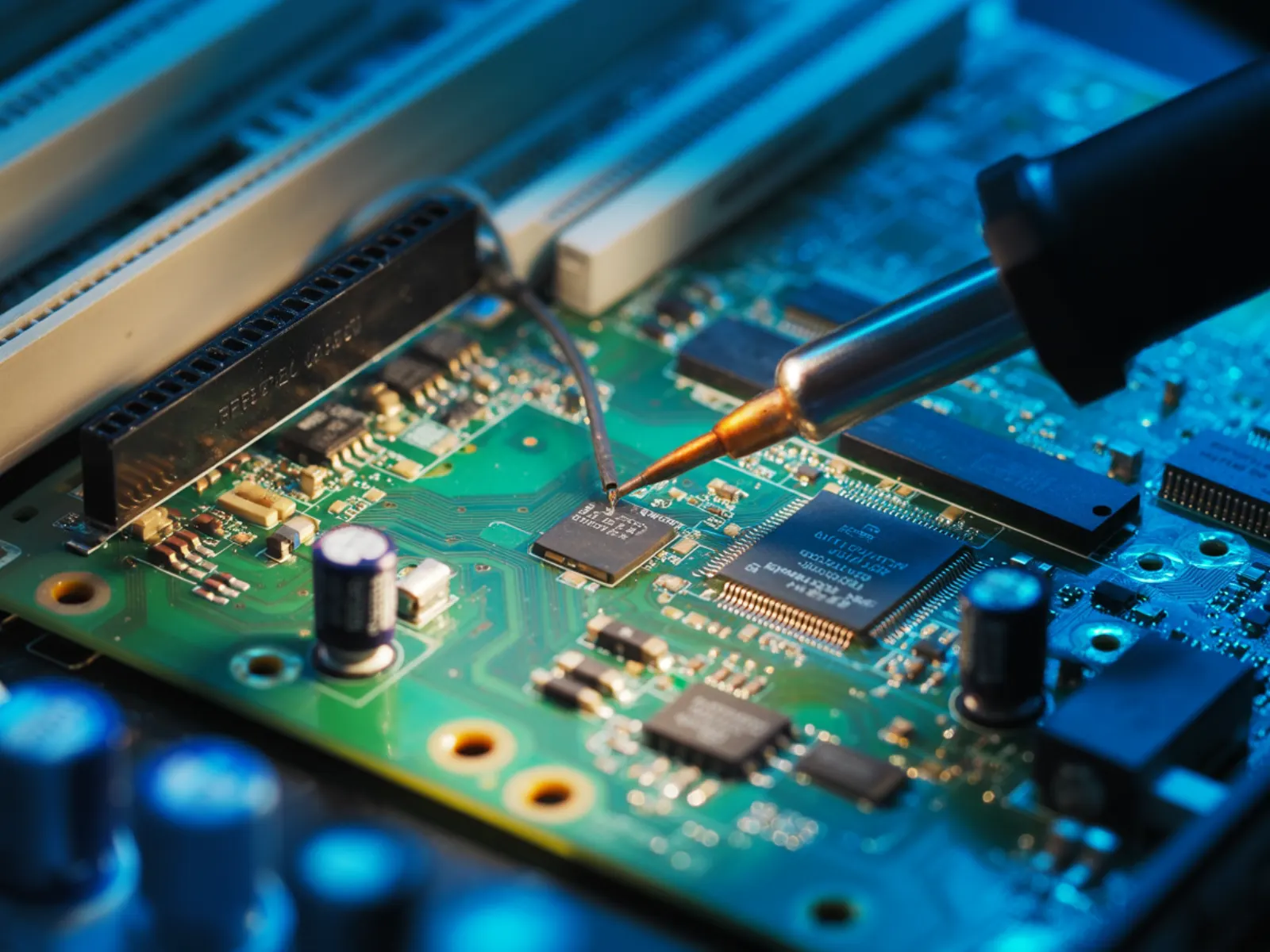
Why does the menu work but the game goes black?
A game may use different output settings from the home screen. A change in resolution, refresh rate or HDR can expose a limitation in the cable, television input, receiver or switch. Some displays briefly go black while changing modes; repeated dropouts, sparkles or sustained no-signal messages need investigation.
Record the game, selected output mode, display model and whether audio also cuts out. Note whether the same problem occurs on another compatible display. These observations are more useful than assuming a particular chip has failed because a single mode does not work.
How do you separate the TV and cable from the console?
With the devices powered off, inspect the connectors. If there is no physical damage, connect the PS5 Pro directly to the TV or monitor rather than through an adapter, receiver, splitter or capture device. Use a known-good cable suitable for the output mode and a display input that supports it.
Check the display manufacturer’s instructions for that specific input and mode. Not every HDMI socket on every TV supports the same features. Change one variable at a time so you know what made a difference. A lower-resolution picture proves some output is working, not that every part of the signal path is healthy.
When should you stop troubleshooting and request repair?
Stop if the port is loose, visibly damaged or only works when pressure is applied to the cable. Also request an inspection if the failure follows the console across known-good compatible equipment. Do not use a factory reset or improvised heating as a substitute for checking physical damage.
JWS begins with the whole video path: connector condition, solder joints and any board-level fault indicated by testing. A port replacement is recommended when the evidence supports it. A visibly clean socket alone does not rule out a connection problem underneath.
What should be checked after a PS5 Pro HDMI repair?
Tell the technician which settings triggered the fault so the relevant supported modes can be included in testing with suitable equipment. The goal is stable video and audio, not just a successful boot screen. Repair cannot add features that a TV, monitor, cable or game does not support.
JWS lists standard PS5 Pro HDMI port service from $125. Board damage or additional work changes the quote, and express service is separate. Confirm parts availability and completion timing after inspection. Port work normally does not require erasing your games, but back up accessible saves when possible.
Getting a PS5 Pro repair quote on Long Island
Visit JWS Electronics Repair inside Wireless Shack at 1167 Deer Park Ave., North Babylon, NY 11703. Customers from Deer Park, West Babylon, Bay Shore and across Suffolk and Nassau counties can call or request a quote before bringing the Pro in.
If you need nationwide mail-in service, submit the repair form first and identify the model as PS5 Pro. Include the symptom and the display tests you tried. Keep your account password private when asking for an estimate; the shop needs the fault description, not your login, to discuss next steps.
Frequently asked questions
Does working at 1080p prove my PS5 Pro port is good?
No. It shows that one output configuration works. Higher-bandwidth failures can involve the cable, display settings, intermediate devices or console hardware, so test the complete path before choosing a repair.
Can an HDMI port repair add 120 Hz support to my TV?
No. The TV input, cable, console settings and game must support the selected mode. Repair restores faulty hardware; it does not upgrade display capabilities.
Need help with this repair?
JWS can inspect the device, explain options and provide a quote before work begins.
View related service