Phone Repair
Phone Screen Showing Lines or Ghost Touch? What Is Happening and How to Fix It
Colored lines, flickering pixels and phantom taps on your phone screen usually mean display or digitizer damage that needs professional attention.
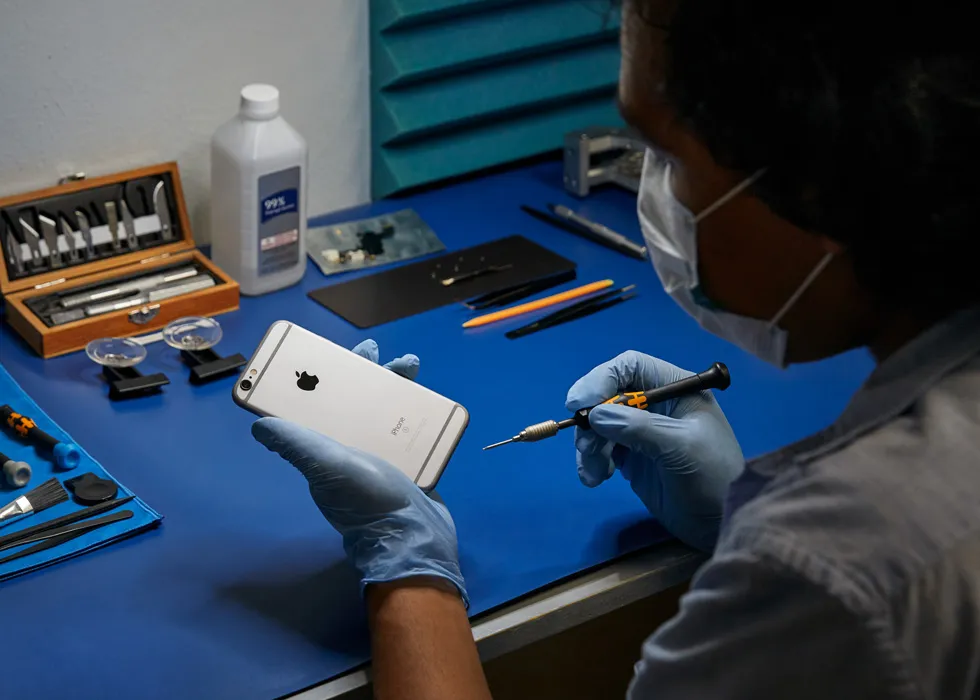
If your phone screen is showing green, purple, white or black lines — or tapping on things by itself — the problem is almost always hardware, not software. These symptoms point to display panel damage, digitizer failure or a loose display connector on the motherboard.
Colored lines (green, purple, white). Vertical or horizontal lines across an AMOLED screen mean the organic display layer is damaged. This can happen from a drop (even without visible cracks on the glass), pressure on the screen, or a manufacturing defect. On LCD screens, lines usually indicate a cracked panel internally. In either case, the display needs replacement — no software update or restart will fix a physically damaged panel.
Ghost touch / phantom taps. Ghost touch is when the phone registers taps you did not make — apps open randomly, the keyboard types by itself, or the screen scrolls on its own. The cause is usually a damaged or failing digitizer, which is the touch-sensitive layer built into the screen assembly. Water damage, screen cracks and low-quality aftermarket screen replacements are the most common triggers. A failing display connector on the logic board can also cause erratic touch behavior.
Flickering or flashing screen. A screen that flickers between bright and dark, or flashes intermittently, can be caused by a loose display cable, a damaged backlight circuit (LCD phones) or a failing OLED panel. If the flickering started after a drop, the display cable likely came partially loose from its connector. If it started gradually, the panel itself may be degrading.
Can you keep using the phone? Lines and ghost touch tend to get worse over time, not better. Ghost touch is particularly problematic because it can unlock your phone, send messages, make calls or change settings without your input. If ghost touch is active, power the phone off until you can get it repaired to avoid unintended actions.
JWS diagnoses whether the issue is the display panel, digitizer, connector or a deeper board problem before recommending a repair path. Get an estimate with the instant quote tool or visit the phone repair page. For Samsung-specific screen issues, see the Samsung repair page.
Need help with this repair?
JWS can inspect the device, explain options and provide a quote before work begins.
View related service