Phone Repair
Phone Dropped in Water? What to Do (and What Not to Do)
Rice does not fix water damage. Here is what actually helps — and when your phone needs professional attention.
The first thing most people do after dropping a phone in water is put it in rice. Unfortunately, rice does not pull moisture from inside a phone. At best it does nothing; at worst, starch and dust from the rice can get into ports and speakers and cause additional problems.
Here is what actually helps: power the phone off immediately and do not try to charge it. Shake out excess water gently, especially from the charging port and speaker grills. Pat the outside dry and leave it in a well-ventilated area. Do not use a hair dryer — concentrated heat can warp adhesive and damage the battery.
If the phone was submerged for more than a few seconds, was in salt water, or shows any signs of malfunction (flickering screen, distorted audio, not charging), professional cleaning is the next step. Water damage is progressive — mineral deposits and corrosion continue to spread even after the phone appears dry on the outside.
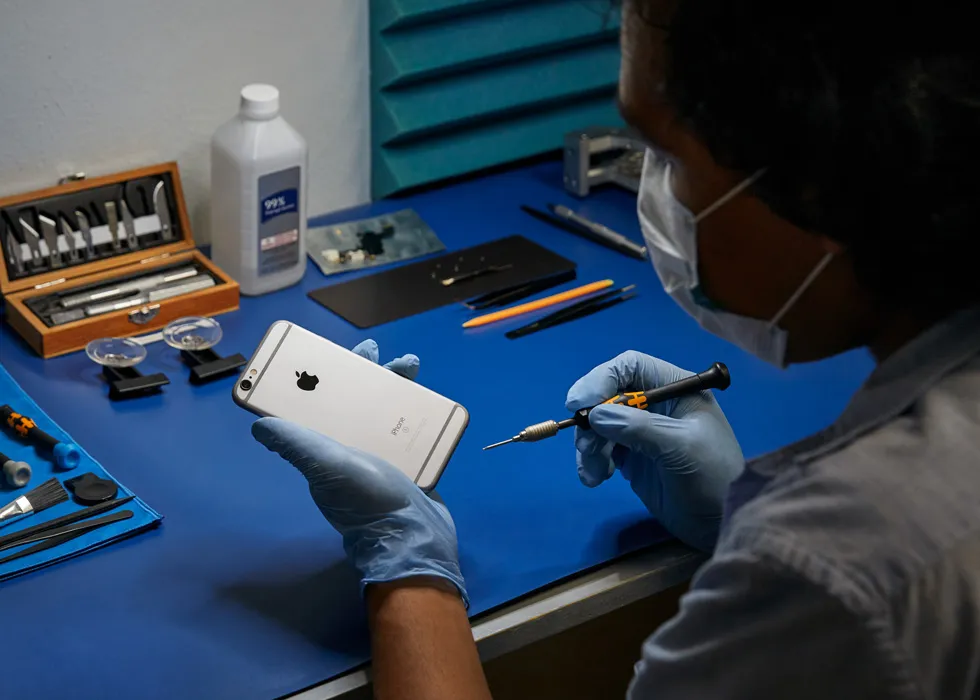
JWS opens the device, disconnects the battery, and performs an ultrasonic cleaning of the logic board to remove corrosive residue before it causes permanent damage. The sooner this happens after exposure, the better the outcome. Waiting days or weeks allows corrosion to eat through traces and IC chip legs, turning a cleanable board into an unrepairable one.
Liquid damage repair is not always guaranteed, and JWS is honest about the odds before starting work. If the board is too far gone, you are told upfront rather than paying for a repair that will not last. Get help at the iPhone repair page, the Samsung repair page, or contact JWS directly.
Need help with this repair?
JWS can inspect the device, explain options and provide a quote before work begins.
View related service