Game Console Repair
Nintendo Switch Won't Charge? Common Causes and Repair Options
A Nintendo Switch that will not charge may have a damaged USB-C port, worn battery or deeper board issue.
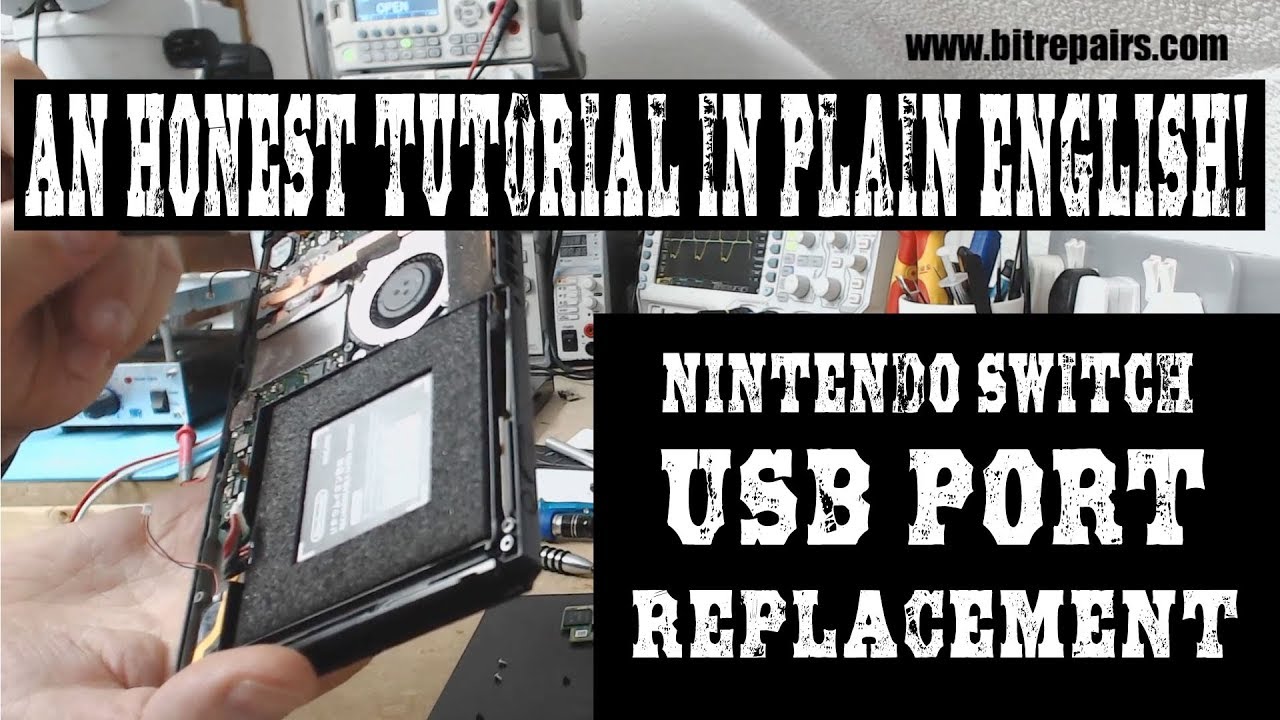
A Nintendo Switch that stops charging is one of the most common console repair requests. The problem usually falls into one of three categories: USB-C port damage, battery degradation or a failed charging IC chip on the motherboard.
USB-C port issues are the most frequent cause. The Switch uses the same port for charging, docking and data, so it gets heavy use. Bent pins, loose connections or debris buildup can all prevent charging. This is often a straightforward repair with port cleaning or replacement.
Battery problems develop over time, especially if the Switch sits unused for long periods. A battery that has fully drained may need a slow recovery charge or replacement. If the Switch turns on but dies quickly, battery health is the first thing to check.
The most complex scenario is a failed M92T36 or BQ24193 chip, which manages USB-C communication and charging regulation. This requires micro-soldering and board-level diagnostics. JWS checks all three possibilities before recommending a repair path, so you know exactly what is needed. Visit the game console repair page or book an appointment to get started. For troubleshooting tips and community advice from other repair techs, check out RepairHub.
Need help with this repair?
JWS can inspect the device, explain options and provide a quote before work begins.
View related service