Phone Repair
iPhone USB-C Charging Problems: Common Issues After Apple Made the Switch
Apple switched to USB-C starting with the iPhone 15. Here are the charging problems owners are running into — and what actually fixes them.
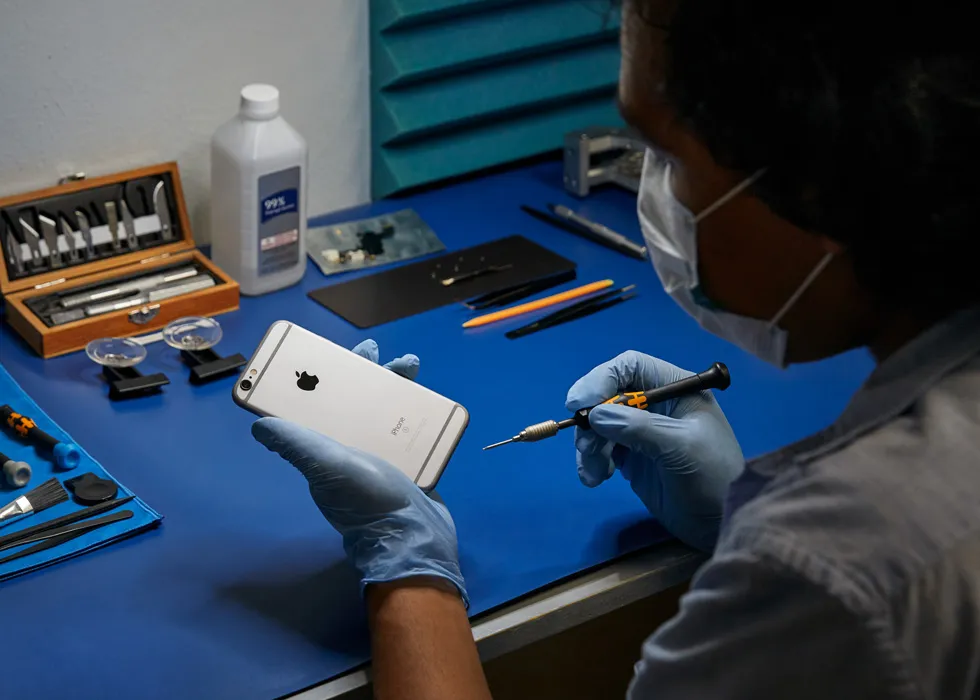
Apple's switch from Lightning to USB-C starting with the iPhone 15 was long overdue, but it introduced a new set of charging issues that many iPhone owners have never dealt with before. If your iPhone 15, 15 Pro, 16 or 16 Pro is having charging problems, here is what to know.
Not all USB-C cables are equal. Lightning cables were proprietary — every one worked the same way. USB-C is a universal standard with wide variation in cable quality. A cheap gas station USB-C cable may deliver inconsistent power, charge slowly or fail to charge at all. Apple recommends using a cable rated for USB 2.0 or higher with proper power delivery. If your iPhone charges fine with one cable but not another, the cable is almost certainly the problem.
Lint and debris. The USB-C port is slightly larger than Lightning and collects pocket lint, dust and fibers easily. Over time, this debris compresses at the bottom of the port and prevents the cable from making a solid connection. Symptoms include the phone only charging at certain angles or the cable feeling loose. A careful cleaning with a non-metallic tool (plastic toothpick or anti-static brush) often solves this.
Bent or damaged pins. The USB-C connector has a small row of pins inside the port that can bend from force, drops or inserting the cable at an angle. Bent pins cause intermittent charging, slow charging or no data transfer. Unlike debris, bent pins require professional repair — do not try to straighten them with a needle. The pins are tiny and easily broken off, which makes the problem worse.
Moisture detection. iPhones with USB-C have liquid detection that disables charging when moisture is detected in the port. If you see a "Liquid Detected" warning, do not override it. Let the port dry completely before charging. If the warning persists even when the port is dry, there may be corrosion on the port contacts that needs professional cleaning.
JWS handles USB-C port diagnostics and repair for iPhone 15 and 16 models, including cleaning, pin straightening and full port replacement when needed. Visit the iPhone repair page or get an estimate with the instant quote tool.
Need help with this repair?
JWS can inspect the device, explain options and provide a quote before work begins.
View related service