Phone Repair
iPhone Battery Health: When Is It Time to Replace?
An iPhone battery below 80% health is officially degraded. Here is what that means and when replacement is the right call.
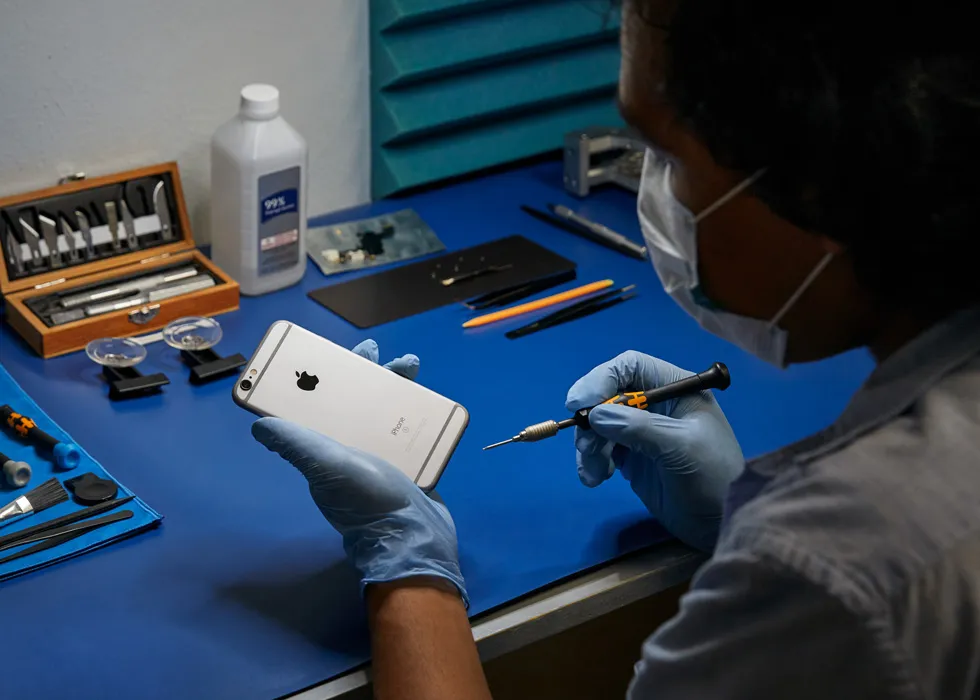
Every iPhone has a battery health percentage you can check in Settings → Battery → Battery Health & Charging. Apple considers a battery "normal" above 80% maximum capacity. Below that threshold, iOS may throttle performance to prevent unexpected shutdowns, and you will notice shorter battery life, slower app loading and potential overheating.
Most iPhone batteries reach the 80% mark after 500 complete charge cycles, which translates to roughly 2–3 years of typical use. Heavy users who charge twice a day may hit this sooner. If your iPhone dies at 30%, shuts down in cold weather or takes noticeably longer to charge, the battery is likely degraded even if the percentage reads slightly above 80%.
Battery replacement is one of the most cost-effective iPhone repairs. For a fraction of the cost of a new phone, a fresh battery restores full-day battery life, removes performance throttling and can make an older iPhone feel significantly faster. The repair typically takes 30–60 minutes.
JWS uses high-quality replacement batteries and recalibrates the battery health reading after installation. The adhesive tabs holding the battery are carefully removed to avoid puncturing the old cell — a safety step that rushed repair shops sometimes skip. Your data, settings and apps remain untouched during the process.
If you are unsure whether your battery needs replacement, JWS can run a diagnostic to check actual capacity, charge cycle count and overall health. Visit the iPhone repair page or book an appointment. You can also get a quick estimate with the instant quote tool.
Need help with this repair?
JWS can inspect the device, explain options and provide a quote before work begins.
View related service