Phone Repair
How to Back Up Your Phone Before a Repair
Backing up your phone before a repair protects your photos, contacts and data in case anything goes wrong.
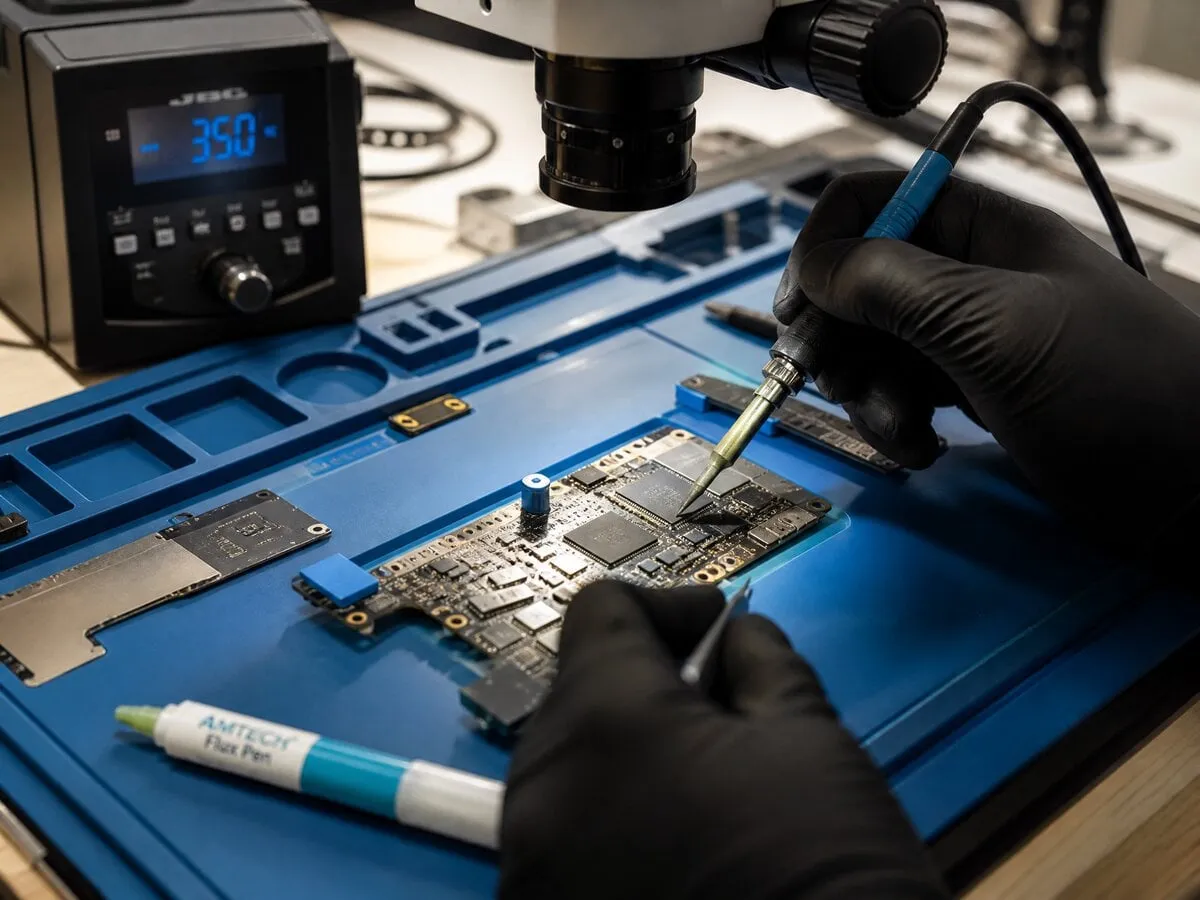
Most repairs — screen replacements, battery swaps, charging port fixes — do not touch your data at all. Your photos, apps and settings should be exactly where you left them. But backing up before any repair is still a smart habit, especially for board-level work or liquid damage where outcomes are less predictable.
For iPhones, the easiest backup method is iCloud. Go to Settings, tap your name at the top, tap iCloud, then iCloud Backup, and tap Back Up Now. Make sure you are on Wi-Fi and have enough iCloud storage. If iCloud is full, you can also back up to a computer using Finder (Mac) or iTunes (Windows) with a USB cable.
For Samsung and Android phones, go to Settings, then Accounts and Backup, and tap Back Up Data. Google automatically backs up contacts, app data, call history and settings. For photos, open Google Photos and make sure sync is turned on. If you want a full local backup, Samsung Smart Switch on a computer creates a complete image of your phone.
What about a phone that will not turn on? If the phone is completely dead, a backup may not be possible before repair. In these cases, JWS prioritizes data preservation during the repair process. For liquid damage especially, the sooner the board is cleaned, the better the chance of recovering a working device with data intact.
JWS does not access, copy or store your personal data during repairs. Your phone stays in your control before and after. If you need help with backup before dropping off a device, the team can walk you through the steps in the shop. Book an appointment or contact JWS to get started.
Need help with this repair?
JWS can inspect the device, explain options and provide a quote before work begins.
View related service