Phone Repair
What Happens During a Free Diagnostic at a Repair Shop?
A free diagnostic is not just a quick glance. Here is what actually happens when a repair shop evaluates your device.
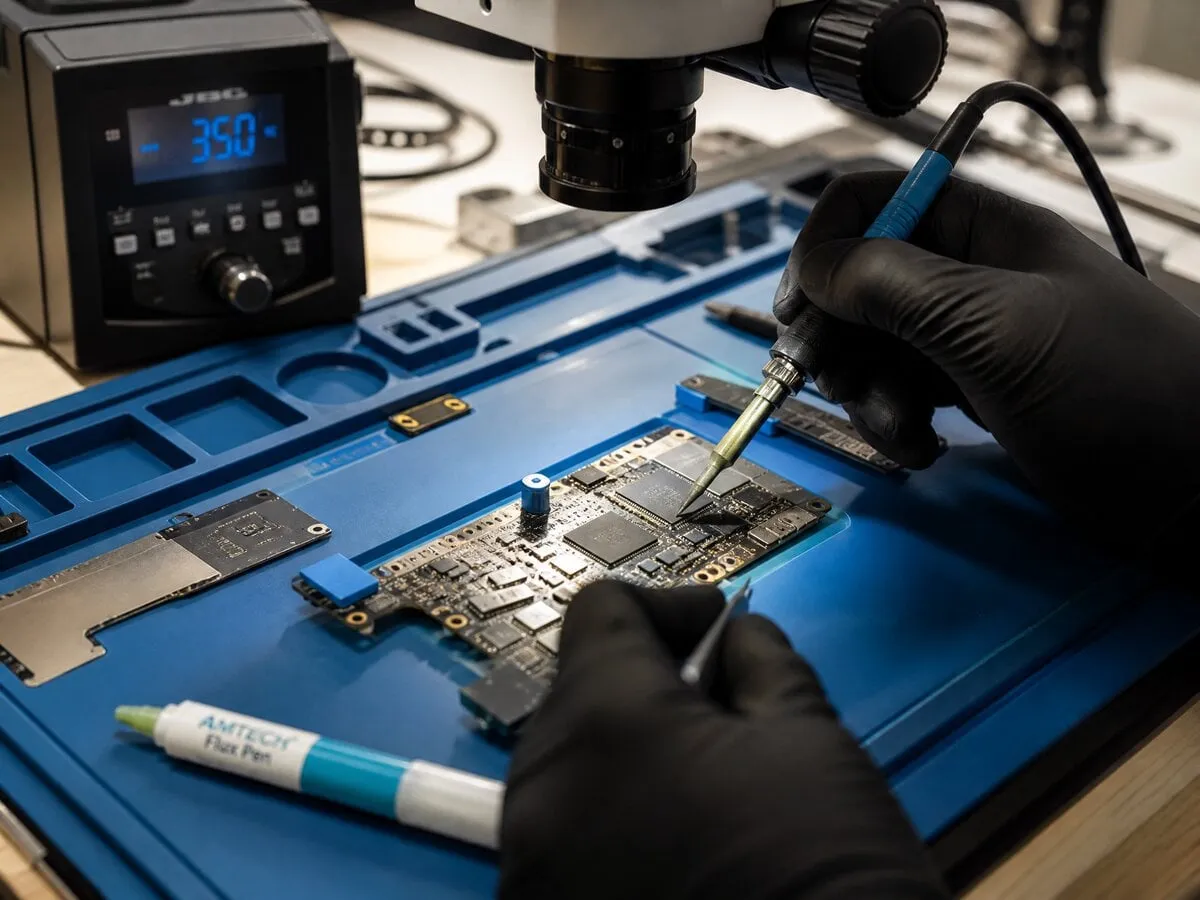
Many people hesitate to bring a device to a repair shop because they are not sure what to expect or worry about getting charged just to find out what is wrong. At JWS, the initial diagnostic is free — here is what that actually involves.
Step 1: Symptom interview. The first thing a technician does is listen. What exactly is happening? When did it start? Did the device get dropped, exposed to liquid or recently updated? These details matter because the same symptom — like a phone not turning on — can have completely different causes depending on context. A phone that died after a drop points to hardware. A phone that died after an update points to software.
Step 2: External inspection. Before opening anything, the technician examines the outside of the device. Cracks, dents, scorch marks near the charging port, loose buttons, water indicator stickers — all of these tell a story about what happened and what might be damaged internally. For consoles, the HDMI port is inspected with magnification for bent pins or a pushed-in connector.
Step 3: Functional testing. The device is powered on (if possible) and tested systematically. For phones: screen response, touch accuracy, camera, speakers, microphone, charging behavior, Face ID or Touch ID, wireless connectivity. For laptops: boot behavior, display output, keyboard and trackpad, battery status, charging current. For consoles: power-on behavior, video output with a known-good cable and display, disc drive function.
Step 4: Board-level inspection (if needed). If the external tests point to a deeper issue — no power, no charge, no display despite the device being intact — the technician may open the device and inspect the board under magnification. Signs of liquid damage, blown components, cracked solder joints or swollen batteries are identified at this stage.
Step 5: Diagnosis and quote. Once the problem is identified, you get a clear explanation of what is wrong, what the repair involves, what it costs and how long it takes. If the repair does not make financial sense — the cost approaches replacement value — JWS will tell you that honestly rather than pushing an expensive fix.
The entire process takes 10 to 30 minutes depending on the device and issue complexity. There is no charge and no obligation if you decide not to proceed. Book an appointment or just walk in during business hours. You can also get a quick estimate beforehand with the instant quote tool.
Need help with this repair?
JWS can inspect the device, explain options and provide a quote before work begins.
View related service